

MCP9800DM-TS1
ActiveDEMONSTRATION BOARD, MCP9800 TEMPERATURE SENSOR, TEMPERATURE DISPLAY, 7-SEGMENT LED
Deep-Dive with AI
Search across all available documentation for this part.
MCP9800DM-TS1
ActiveDEMONSTRATION BOARD, MCP9800 TEMPERATURE SENSOR, TEMPERATURE DISPLAY, 7-SEGMENT LED
Deep-Dive with AI
Technical Specifications
Parameters and characteristics for this part
| Specification | MCP9800DM-TS1 |
|---|---|
| Embedded | True |
| Interface | I2C, SMBus |
| Sensing Range [Max] | 125 °C |
| Sensing Range [Min] | -55 °C |
| Sensitivity | 0.5 °C |
| Sensor Type | Temperature |
| Supplied Contents | Board(s) |
| Utilized IC / Part | MCP9800 |
| Voltage - Supply [Max] | 5.5 V |
| Voltage - Supply [Min] | 2.7 V |
Pricing
Prices provided here are for design reference only. For realtime values and availability, please visit the distributors directly
Description
General part information
MCP9800 Series
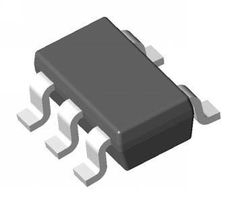
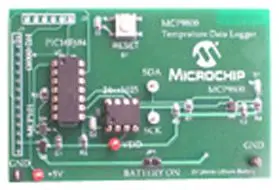
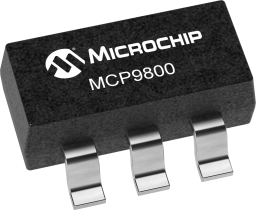
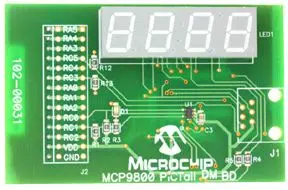
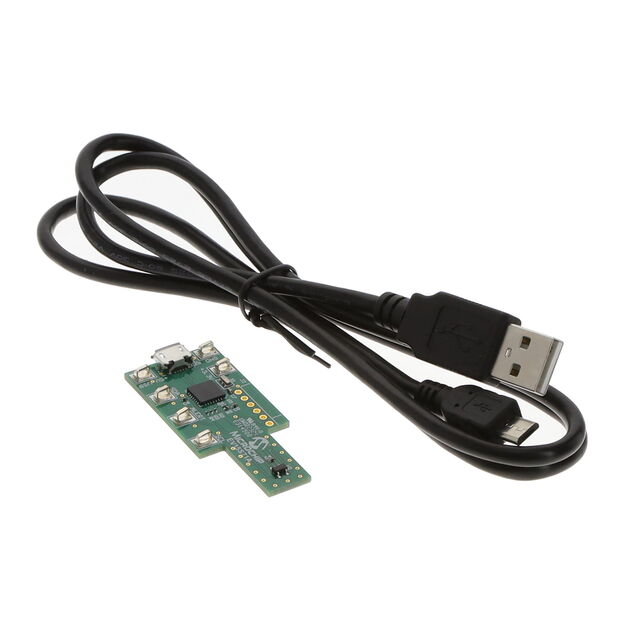
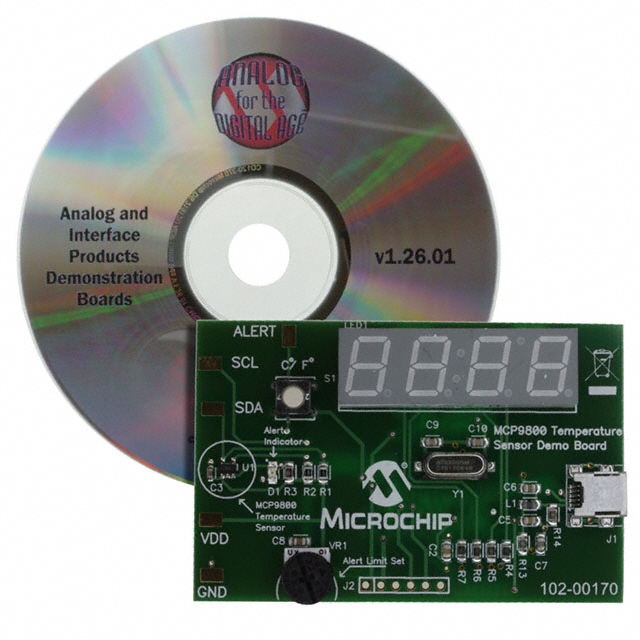
The MCP9800DM-TS1 is an temperature sensor demonstration board to demonstrates the MCP9800 sensor’s features. The MCP9800 digital temperature sensors converts temperatures between -55°C and +125°C to a digital word. They provide an accuracy of ±1°C from -10°C to +85°C. Users can connect the demo board to a PC with USB interface and evaluate the sensor performance. The seven segment LED displays temperature in degrees Celsius or degrees Fahrenheit, the temperature alert feature can be set by the users using an on board potentiometer. The sensor overtemperature alert feature can be evaluated by the user using a rotary potentiometer. The temperature alert and hysteresis registers are programmed to a preset temperature limit based on the potentiometer wiper position. An LED is used to indicate overtemperature condition. In addition, temperature details can be logged using the thermal management software graphical user interface. The sensor registers can also be programmed using the GUI.
Documents
Technical documentation and resources