


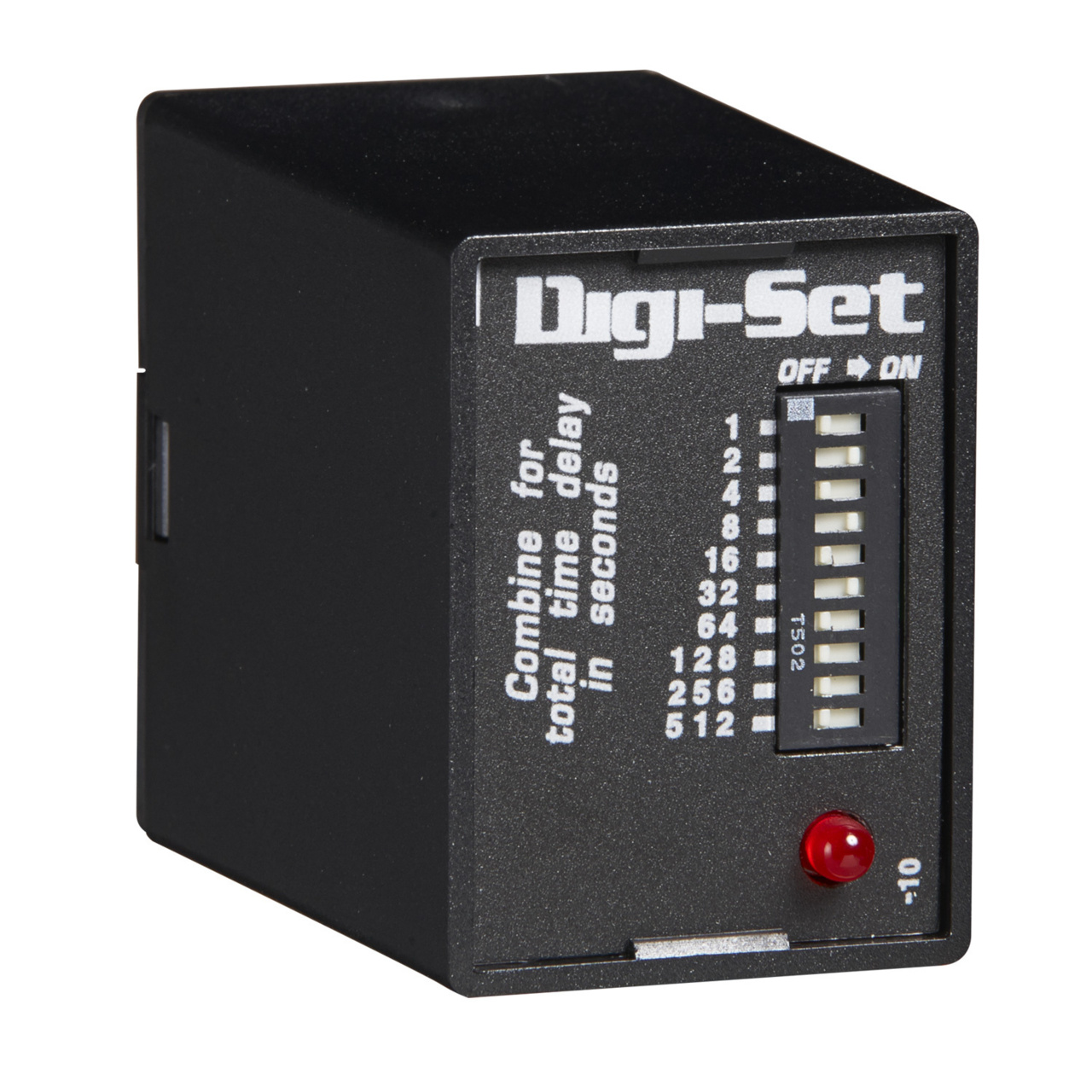
TDS12D
ActiveTIME DELAY & TIMING RELAYS DIGI-SET(SINGLESHOT)
Deep-Dive with AI
Search across all available documentation for this part.
TDS12D
ActiveTIME DELAY & TIMING RELAYS DIGI-SET(SINGLESHOT)
Deep-Dive with AI
Technical Specifications
Parameters and characteristics for this part
| Specification | TDS12D |
|---|---|
| Circuit | SPDT (1 Form C) |
| Contact Rating @ Voltage | 10 A |
| Contact Rating @ Voltage [Max] | 240 VAC |
| Contact Rating @ Voltage [Min] | 120 VAC |
| Delay Time [Max] | 1023 Sec |
| Delay Time [Min] | 1 Sec |
| Function | One Shot |
| Mounting Type | Socketable |
| Relay Type | Mechanical Relay |
| Termination Style | Plug In |
| Timing Adjustment Method | DIP Switches |
| Timing Initiate Method | Trigger Signal, Input Voltage |
| Voltage - Supply | 12 VDC |
Pricing
Prices provided here are for design reference only. For realtime values and availability, please visit the distributors directly
Description
General part information
TDS Series
The TDS Series combines accurate digital circuitry with isolated, 10A rated, DPDT or SPDT relay contacts in an 8 or 11-pin plug-in package. The TDS Series features DIP switch selectable time delays ranging from 0.1s to 10,230s in three ranges. The TDS Series is the product of choice for custom control panel and OEM designers. Operation (Single Shot) Input voltage must be applied to the input before and during timing. Upon momentary or maintained closure of the initiate switch (leading edge triggered), the output relay energizes for a measured interval of time. At the end of the delay, the output de-energizes. Opening or reclosing the initiate switch during timing has no affect on the time delay. The output will energize if the initiate switch is closed when input voltage is applied.Reset: Reset occurs when the time delay is complete and the initiate switch is opened. Loss of input voltage resets the time delay and output.
Documents
Technical documentation and resources
