


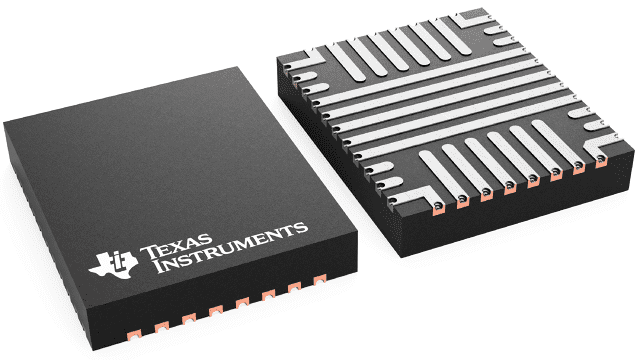
TPS25763DQRQLRQ1
ActiveAUTOMOTIVE SINGLE-PORT USB TYPE-C® PD CONTROLLER WITH BUCK-BOOST REGULATOR AND DISPLAYPORT ALT MODE
Deep-Dive with AI
Search across all available documentation for this part.
TPS25763DQRQLRQ1
ActiveAUTOMOTIVE SINGLE-PORT USB TYPE-C® PD CONTROLLER WITH BUCK-BOOST REGULATOR AND DISPLAYPORT ALT MODE
Technical Specifications
Parameters and characteristics for this part
| Specification | TPS25763DQRQLRQ1 |
|---|---|
| Applications | USB Dedicated Charging Port (DCP), Power Switch |
| Current - Supply | 8 mA |
| Grade | Automotive |
| Mounting Type | Wettable Flank, Surface Mount |
| Operating Temperature [Max] | 125 °C |
| Operating Temperature [Min] | -40 °C |
| Package / Case | 29-PowerVFQFN |
| Qualification | AEC-Q100 |
| Supplier Device Package | 29-VQFN-HR (6x5) |
| Voltage - Supply [Max] | 18 V |
| Voltage - Supply [Min] | 5.5 V |
Pricing
Prices provided here are for design reference only. For realtime values and availability, please visit the distributors directly
| Distributor | Package | Quantity | $ | |
|---|---|---|---|---|
| Digikey | N/A | 0 | $ 4.75 | |
| Texas Instruments | LARGE T&R | 1 | $ 5.70 | |
| 100 | $ 4.64 | |||
| 250 | $ 3.65 | |||
| 1000 | $ 3.10 | |||
Description
General part information
TPS25763-Q1 Series
The TPS25763-Q1 is a fully integrated USB Type-C® Power Delivery (PD) solution with integrated Buck-Boost converter and DisplayPort™ Alternate (Alt) Mode over USB-C® for automotive single USB port applications. Functionality includes: integrated Buck-Boost converter with 4 power switches; an ARM Cortex-M0; USB port controller with Type-C cable plug and orientation detection; DisplayPort Alt Mode; USB Battery Charging Specification Version 1.2 (BC1.2) detection; USB Endpoint PHY; device power management and supervisory circuitry; and connector pin over-voltage and short-circuit protection.
An intelligent System Power Management (SPM) Engine maximizes delivered USB power while protecting the system from automotive battery transient and over-temperature conditions.
Device configuration settings are selected through an intuitivegraphical user interface (GUI).
Documents
Technical documentation and resources